





Conversational AI marketplaces

 Designing a conversational AI marketplace and styling app
01 Overview
How Scalez and Savvy fit together
In most consultations, experts spend the majority of the session asking basic intro questions. Scalez lets a chat bot ask those questions first, turns the answers into a short summary, and lets the human expert focus purely on giving advice.
-
My role
Platform and product designer
I created the visual identity and website for Scalez, then designed Savvy end to end: a shared component library, two marketing websites I built in Webflow, a gamified client app and a mobile workspace for stylists.
-
The problem
What needed fixing
Visitors struggled to grasp how the AI agent and human experts split the work, and a single Savvy landing page confused shoppers and stylists. Inside the app, shoppers abandoned long questionnaires while stylists spent too long assembling outfits by hand.
Projects in this case study
Scalez is the parent platform and Savvy is the first live two-sided marketplace built on top of it.
-
2020 – 2021
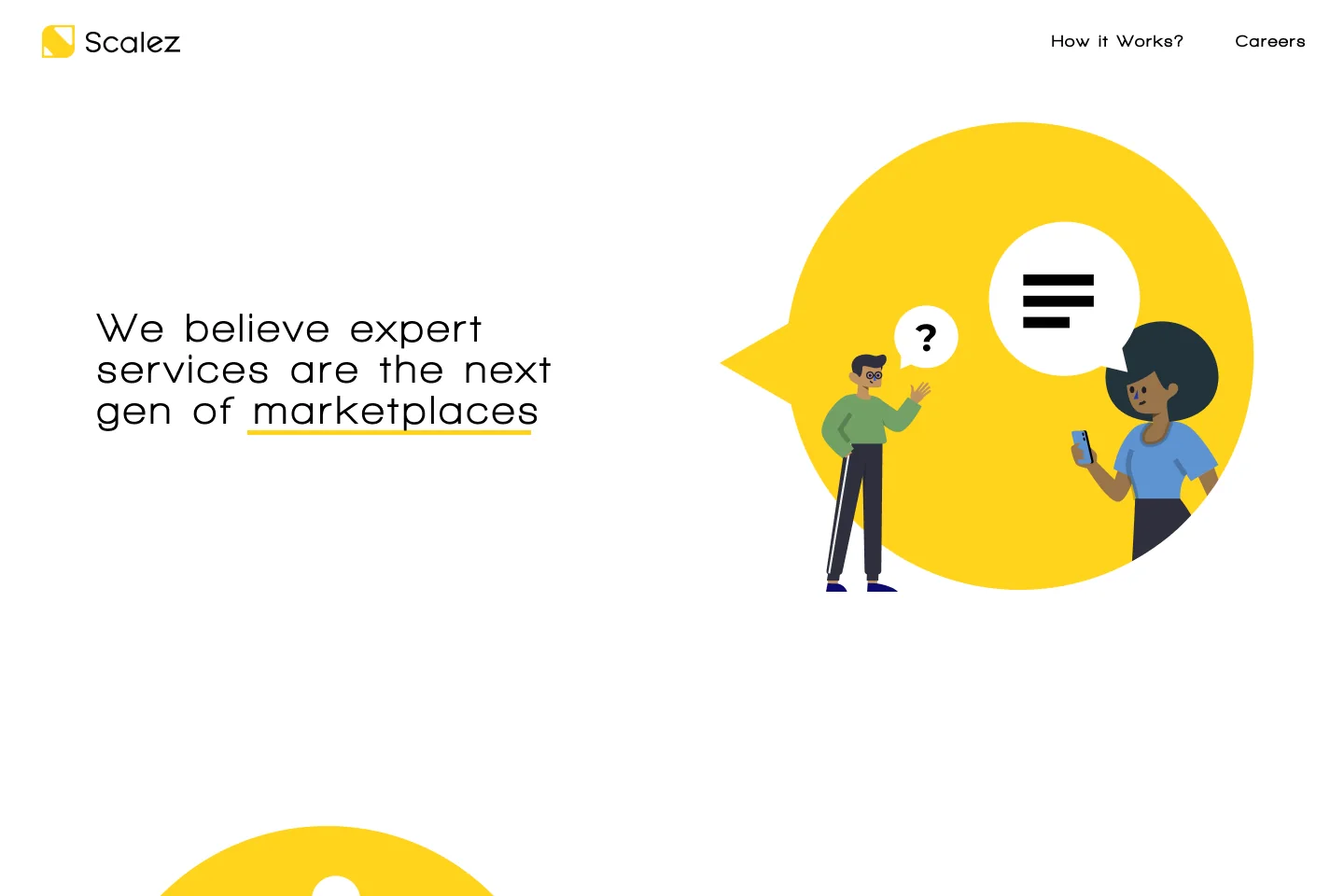
Scalez website
Explained the 3-party AI-to-expert model in 4 animated steps, lifting visitor comprehension to 90%.
-
2020
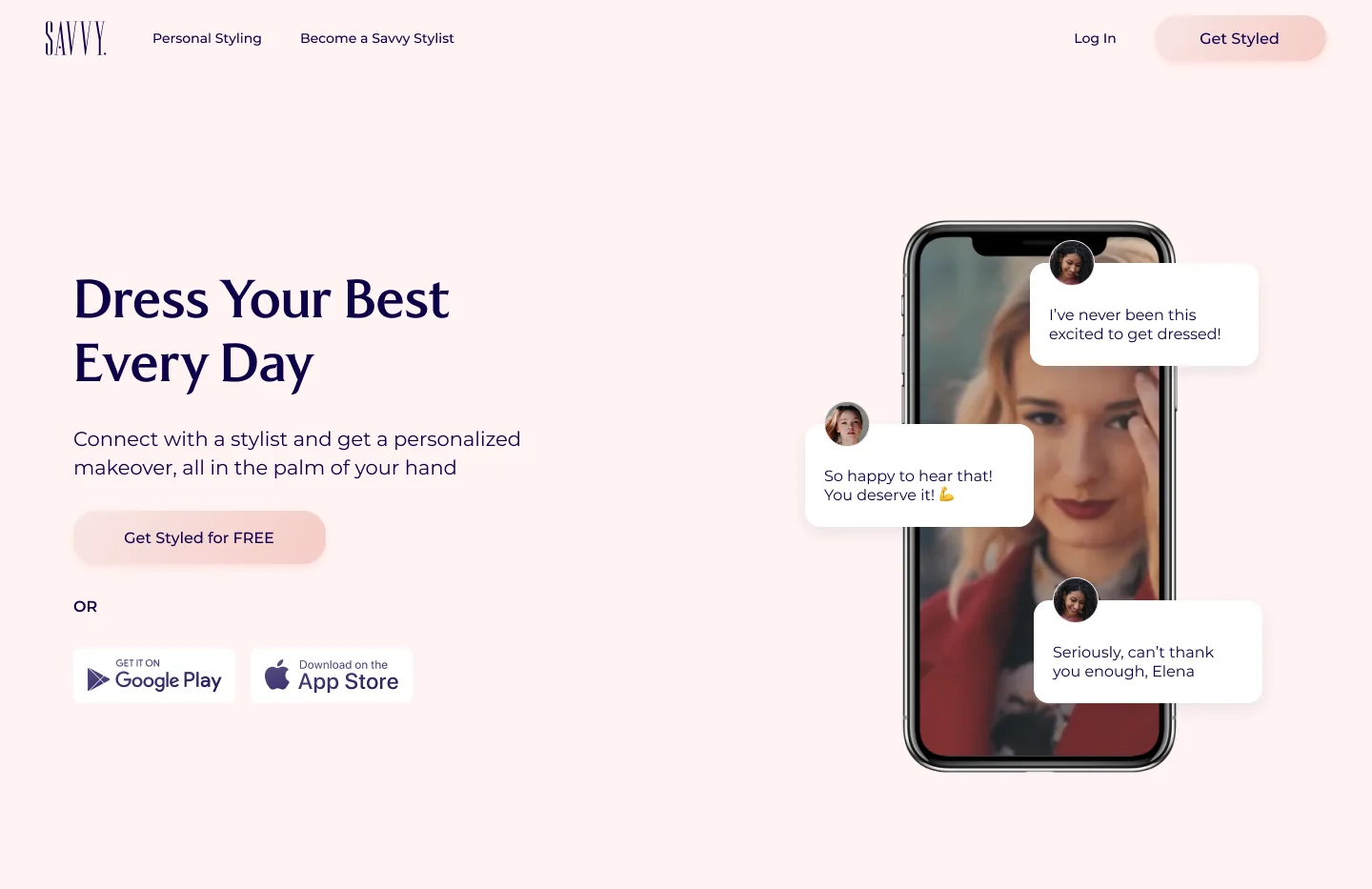
Savvy websites
Designed and built separate client and stylist sites in Webflow, lifting client style-quiz starts to over 11%.
-
2020 – 2021
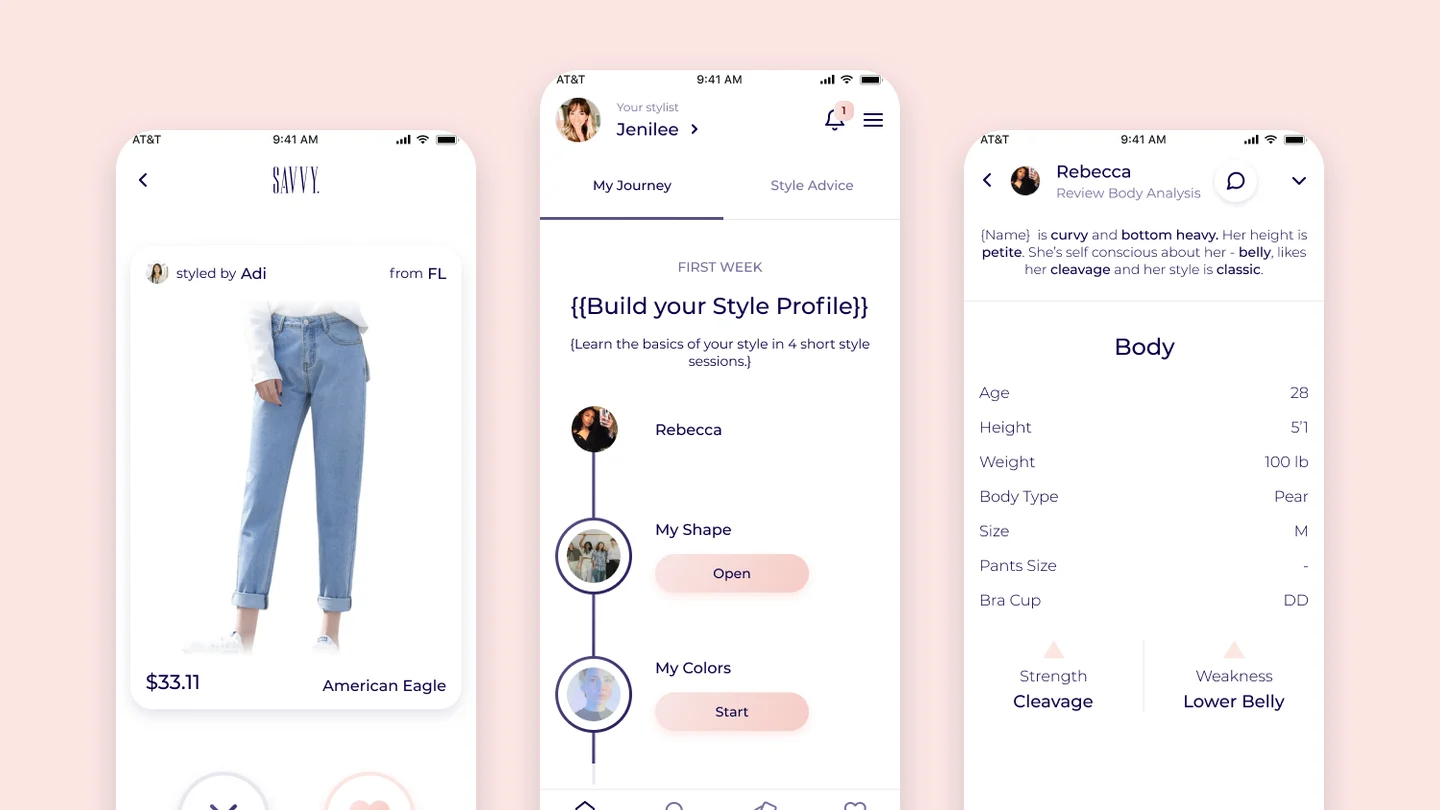
Savvy client & stylist apps
Gamified client onboarding (78% completion) and a 4-slot stylist builder that cut styling time from 45 min to 6 min.
02 Scalez website
Explaining the marketplace model on the Scalez site
Challenge
Early copy used technical buzzwords (“NLP marketplaces”), and most first-time visitors couldn’t tell whether the final advice came from a bot or a human.
Outcome
I tested four visual directions and built an animated storyline around a 3-character cast (client, robot agent, human experts). In usability checks, 9 out of 10 visitors explained the handoff after one scroll.
Exploring four visual directions
I tested four homepage concepts with prospective users and partners. The three dark-mode options (Comic, Crowd, Faces) felt too casual, hid the AI-to-expert handoff, or read like a staffing agency. A warm light page with one illustrated character per role tested clearest and won.
-
Comic
Tested: memorable, but felt too casual for B2B marketplace partners
-
Crowd
Tested: dark UI cards obscured how the AI summarized requests for experts
-
Faces
Tested: portrait collages read like a freelance directory instead of an AI workflow
Final home page
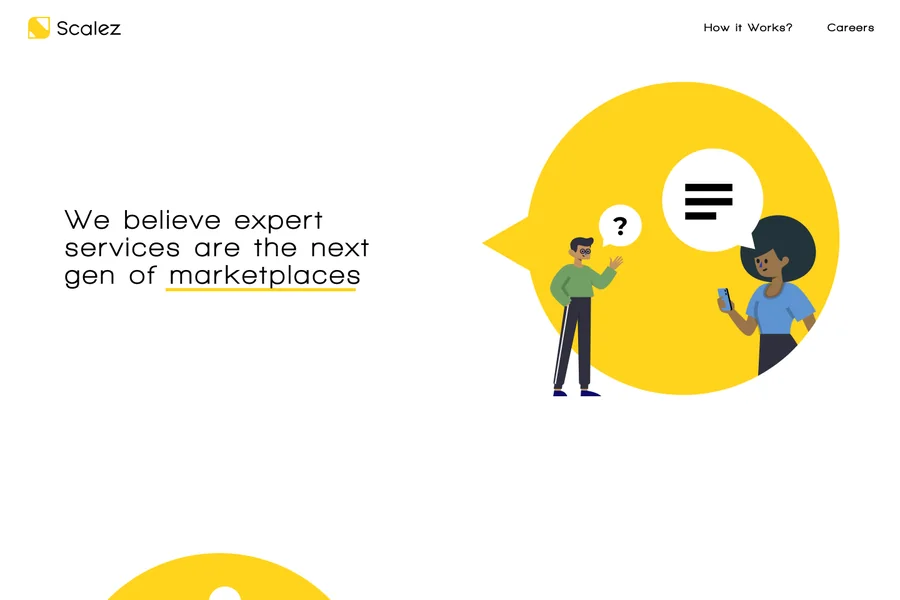
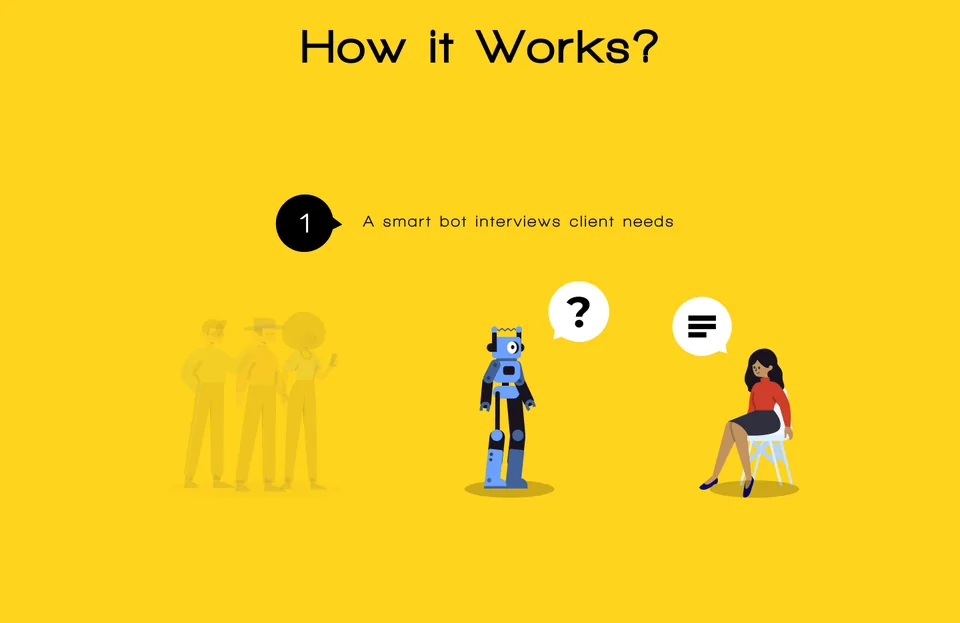
The final page states the thesis in two sentences, walks through the 4-step AI-to-expert loop on a yellow band, and closes with Savvy as live proof.
Explaining the model in four steps
Visitors got confused when all three roles competed in one static drawing. On the live website, I designed this section as an animated sequence that showed the back-and-forth exchange between the robot agent, the client and the human experts, while dimming whichever role wasn’t active in that step. Watching the conversation bounce between them made it immediately obvious why the model worked, lifting first-scroll comprehension to 90%.
Because the AI handles the initial interview and summary, human experts spend only a few minutes crafting the answer.
What it achieved
Animating the back-and-forth between the client, bot and experts while dimming inactive roles at each step lifted visitor comprehension of the business model to 90% in first-scroll tests.
03 Savvy design system
Building the Savvy component library first
Challenge
We had only one developer to build two mobile apps (client and stylist) while also needing two marketing websites on a startup schedule. Early screens built without shared styles caused repeated UI fixes and inconsistent controls.
Outcome
I built a shared Figma design system first with web and mobile adaptations. That allowed me to build and launch the marketing websites myself in Webflow, while our developer used the same component library to build the app UI twice as fast and gave users a familiar look from website to app.
Standardizing navigation bars, buttons, inputs, product cards and chat bubbles upfront meant our single developer focused purely on the React Native apps, while I translated the web-adapted design system directly into Webflow to ship the marketing sites myself.
Savvy UI kit: two five-step color ramps with their tokens; primary, secondary and text buttons in primary, hover, deactivated and enabled states, with icon and size variants; pill input fields in placeholder, filled, error and success states plus a dropdown; the one navbar component shown on both platforms, UP for clients with Home, Trends, Tips and My Closet and SP for stylists with Inbox, Chat, Insights and Profile; avatars in four user types and four sizes; tags, category chips and a rating; chat bubbles from Savvy and the client; and a StyleUp swipe card with a style match badge.
04 Savvy websites
Marketing sites for clients and stylists
Challenge
Our initial landing page pitched shoppers and stylists on the same page, confusing both sides and converting poorly.
Outcome
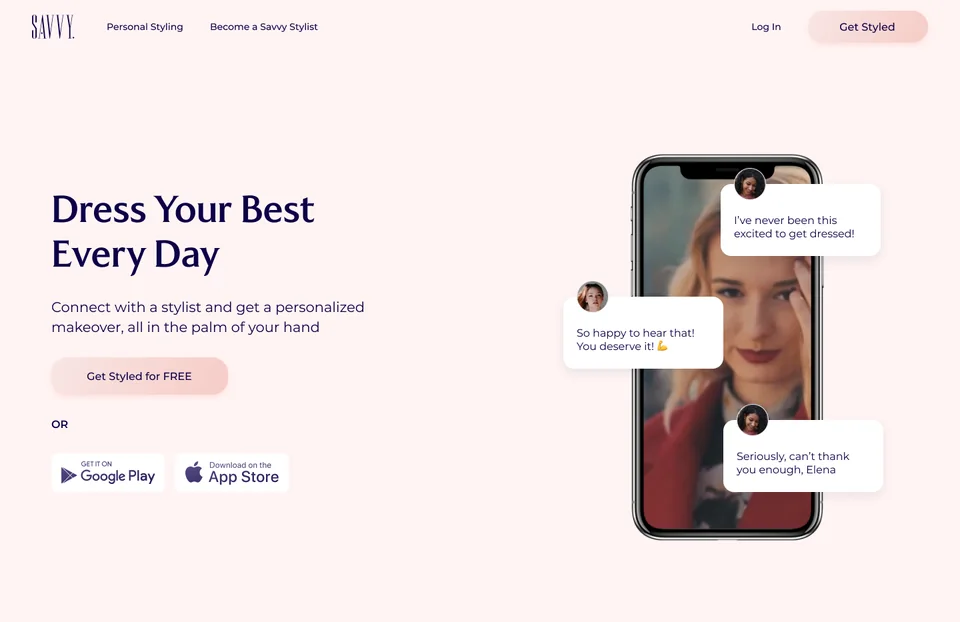
Using our web-adapted design system, I designed and built two dedicated websites myself in Webflow: one for shoppers and one for fashion influencers. Client style-quiz starts jumped from under 2% to over 11%.
Tailoring the pitch to each side
Building the websites myself in Webflow from our shared component kit let me reuse the same layout blocks, chat-bubble motifs and typography while giving shoppers and influencers their own dedicated message, without pulling our developer away from the mobile apps.
-
For clients
Built in Webflow: pitches a personal stylist in your pocket and funnels visitors into the free style quiz
-
For stylists
Built in Webflow: pitches turning follower DMs into paid styling sessions in 6 minutes per look
-
Core problem solved
For clients: Endless shopping and clothes that don’t flatter your body shape
For stylists: Unpaid follower DMs and long manual styling calls
-
Role of the AI
For clients: Learns your body, colors and budget in short chats
For stylists: Interviews followers upfront so you jump straight to styling
-
Primary CTA & result
For clients: Start free style quiz (lifted conversions to over 11%)
For stylists: Apply for stylist access (strong influencer sign-ups)
05 Savvy app for clients
Designing the Savvy client app
Challenge
Stylists needed body shape, sizes, fit goals, colors and budget to pick clothes that fit. When presented as a long questionnaire, most users quit before finishing (only 32% completed it).
Outcome
I replaced the long form with a short starter chat, a 3-level first-week track and Tinder-style StyleUp swipe decks. Profile completion rose from 32% to 78%.
Every swipe, photo and chat tap automatically populates the structured brief on the stylist’s phone.
-
Core experience
Client app: Gamified discovery: short chats, levels and swipe decks
Stylist app: Fast studio queue: priority inbox, 1-line brief and 4-slot builder
-
Onboarding
Client app: Quick chat with Savvy + stylist match (78% completion)
Stylist app: Personal referral link to convert social followers into paying clients
-
Input effort
Client app: Taps, card swipes, mirror photos and 5-face ratings
Stylist app: Catalog search with brand filters + a short video note
-
Output & value
Client app: Personalized outfits and a saved virtual closet
Stylist app: 6 minutes per styled look (down from 45m) and 4.5/5 average rating
Chat, match and level up
Asking for body measurements on screen 1 caused instant drop-off. I split onboarding into a quick chat to match a stylist first, followed by three short levels (My Shape, My Colors, My Style) with a clear reply-time promise, lifting profile completion from 32% to 78%.
-
Last question
-
Stylist match
-
Top 6 stylists
-
First week
-
What’s next
-
Style advice
Swipeable StyleUps and the Trends feed
Clients struggled to describe their taste in words, leaving stylists to guess. I designed StyleUp swipe decks (where clients read a body-shape fit tip and heart or skip garments) and a Trends feed with live Style Match scores, giving stylists clear item preferences before building a look.
-
Today’s StyleUps
-
Pick categories
-
Style tip
-
Swipe items
-
Out of tips
-
Rate it
-
Saved to closet
-
Like a look
-
Style match
06 Savvy app for stylists
Designing the Savvy stylist workspace
Challenge
Reading raw chat logs and pasting retail links on a phone took stylists 45 minutes per outfit, making affordable sessions unprofitable.
Outcome
I designed a mobile workspace with a 1-sentence AI client brief and a 4-slot outfit builder (Basic, Interest, Completer, Accessories), cutting styling time from 45 minutes to 6 minutes.
Building an outfit from the client brief
Each request opens with an AI-generated 1-sentence body summary, mirror photos, sizes and liked closet items. Stylists tap four catalog slots pre-filtered to the client’s size and budget, record a short video note, and send the look in about 6 minutes.
-
Inbox
-
Her photos
-
Body
-
Empty outfit
-
Pick a category
-
Full outfit
-
Talk to the client
-
Sent StyleUp
Client management and earnings insights
To keep reply times fast, an Invite Clients modal prompts stylists to clear open requests before sharing their referral link. Subscribers and Insights tabs track trial vs. paid clients, completed looks, and a 4.5/5 average rating.
-
Invite clients
-
Subscribers
-
Client thread
-
Insights
-
Reviews
-
Profile
07 Impact & takeaways
Results and what this work taught me
Measured across Scalez and Savvy
Compared against initial questionnaire and manual styling baselines
- Style profile completion
- 78% up from 32% with a standard form
- Stylist time per outfit
- 6 minutes (down from 45 min per session)
- Client satisfaction
- 90% 4.5 / 5 average review score
-
Adapt one design system across web and app
Building a web-and-mobile system let me launch both marketing sites in Webflow myself while our developer built the React Native apps from the same components.
-
Replace long questionnaires with progressive levels
Breaking a long onboarding form into a starter chat, three first-week levels and swipeable StyleUps lifted profile completion from 32% to 78%.
-
Use AI to compress expert prep time
Turning chat answers and card swipes into a 1-sentence body summary and pre-filtered catalog slots cut stylist work from 45 minutes to 6 minutes per look.